What's In My Fridge?
Turn what you already have into dinner. Photograph your fridge, or type in what you've got, and get a real recipe.
Android only for now. Free to download, with ads. Made by an independent UK developer.
How it works
Three steps, shown here with a sample fridge photo run through the real app.
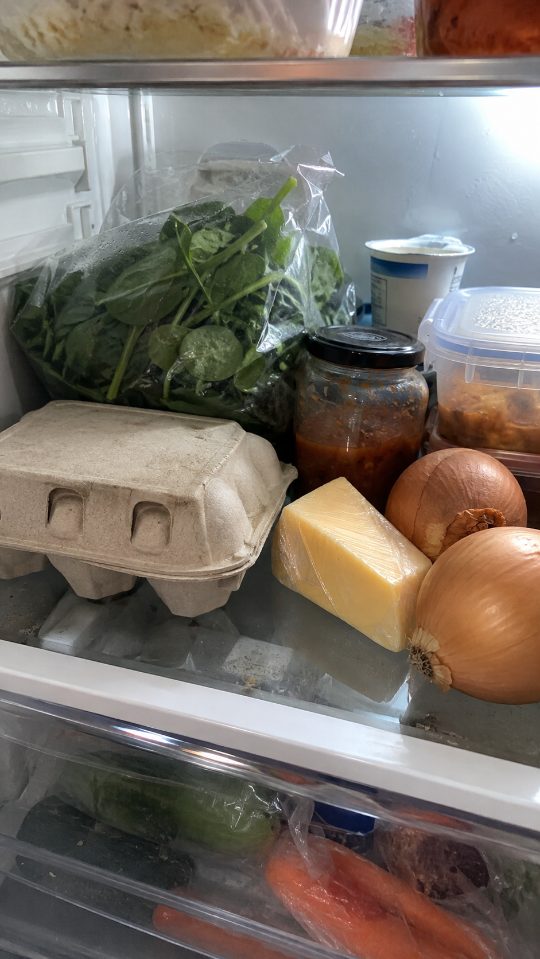
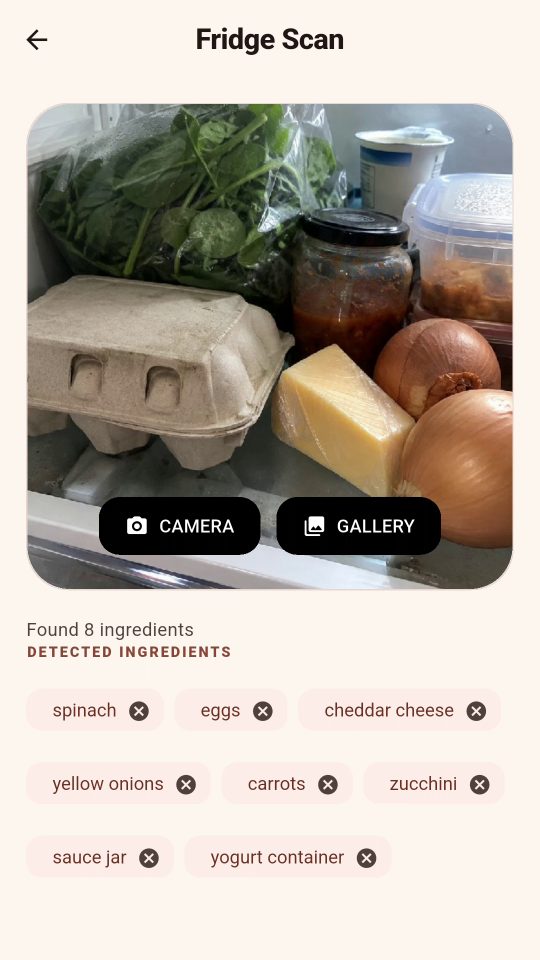
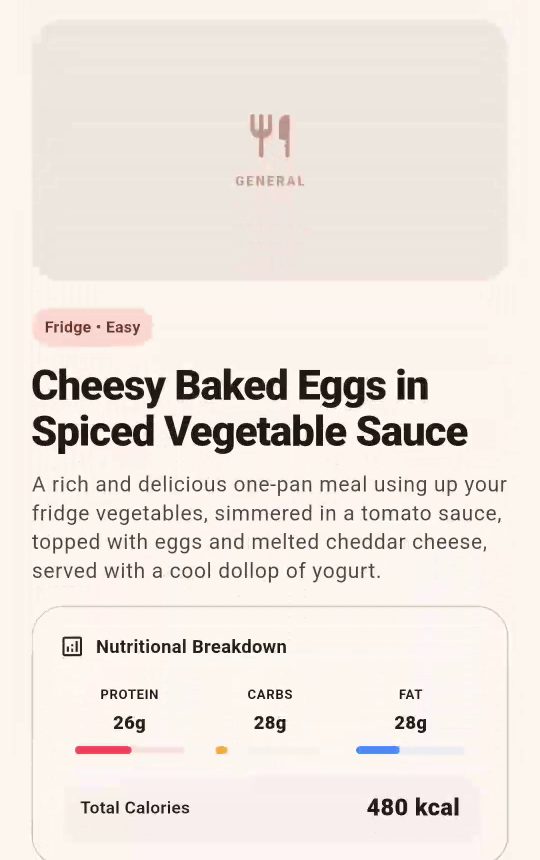
- Type your ingredients instead of using a photo
- Pantry, weekly planner and shopping list built in
- Free to download, with ads
- Optional one-off £1.99 to remove ads and lift the free recipe limit
The app's suggestions are a starting point. Always check ingredients and allergens yourself before you cook.
Questions
Is What's In My Fridge? free?
Yes. It's free to download from Google Play and it shows ads. An optional one-off purchase of £1.99 removes the ads and lifts the free recipe limit.
How does the fridge photo feature work?
Choose Scan Fridge, then take a photo or pick one from your gallery. The app reads the photo, lists the ingredients it can see, and you can remove or fix any before it suggests a recipe.
Can I type my ingredients instead?
Yes. Type what you have into the ingredients box and tap Reveal Recipe. The photo scan is optional.
Is it available on iPhone?
No. It's an Android app for now, available on Google Play.
Who made it, and how do I report a problem or send feedback?
I did: Greg Rycroft, an independent developer in Yorkshire. Email greg@gregrycroft.co.uk with any problem, wrong ingredient or recipe that doesn't make sense.
Privacy: privacy policy. Delete your account.